Killing Sequential Scans: Optimizing PostgreSQL with EXPLAIN ANALYZE

Rishav Sinha
Published on · 6 min read
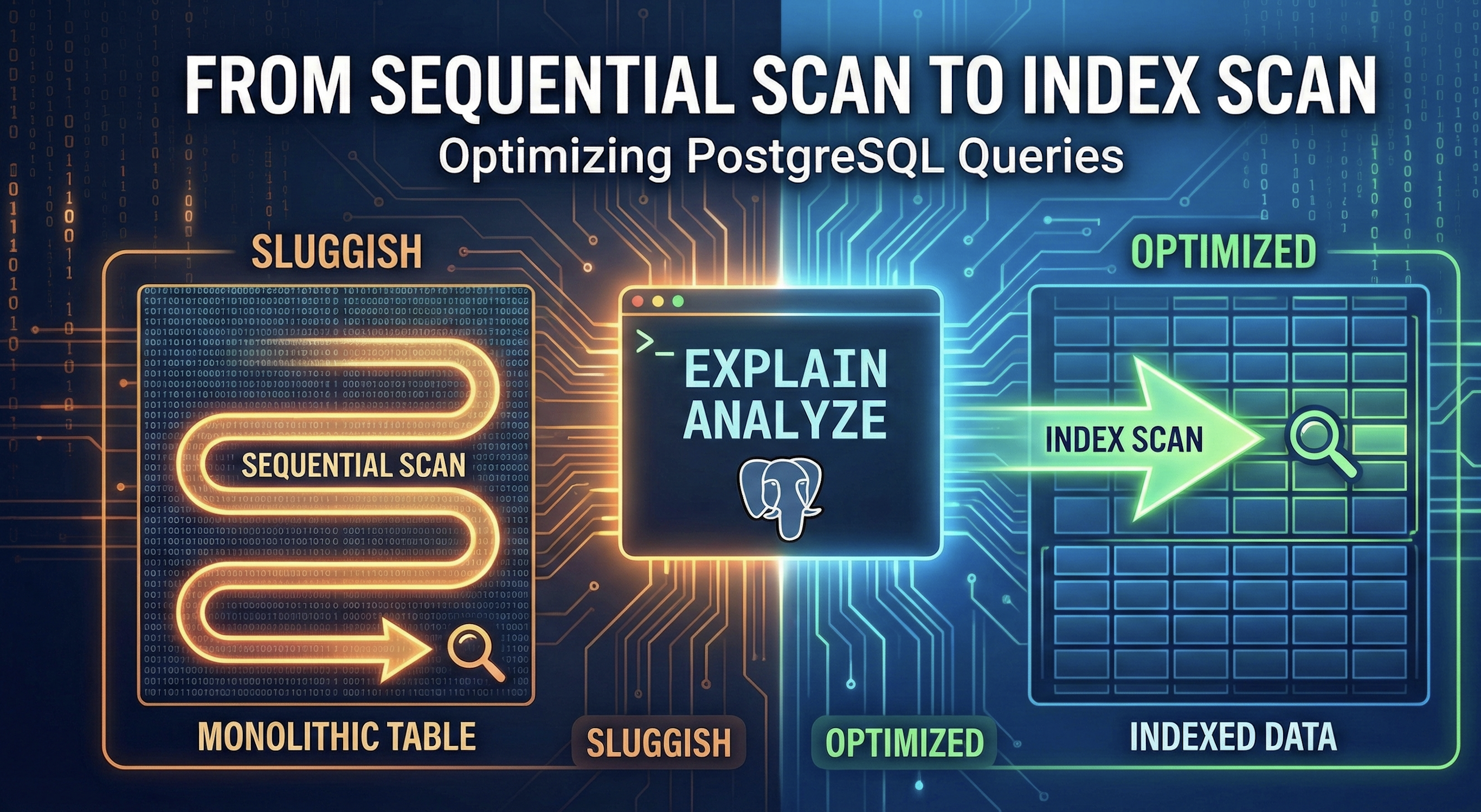
The All-Too-Familiar Story
It's 4:30 PM on a Friday. You're about to close your laptop when a high-priority ticket lands in your queue: "User dashboard is timing out." We've all been there. After ruling out the frontend and the network, your gut tells you the database is the bottleneck. But where do you even start?
For me, the first and most critical tool I reach for is EXPLAIN ANALYZE. It's the PostgreSQL equivalent of an MRI for your queries, showing you exactly what the planner is thinking and where the time is being spent. In this post, I'll walk you through a practical, real-world scenario of diagnosing a slow query and making it orders of magnitude faster.
The Scenario: A Sluggish Activity Feed
Imagine we're building a multi-tenant SaaS application. A core feature is an activity feed that shows a user's recent actions within their organization (tenant). The feature works great on our staging environment, but in production, with millions of rows, it's grinding to a halt.
Let's start with our table schema. It's a fairly standard activities table.
CREATE TABLE activities (
    id UUID PRIMARY KEY DEFAULT gen_random_uuid(),
    tenant_id UUID NOT NULL,
    user_id UUID NOT NULL,
    event_type VARCHAR(50) NOT NULL,
    payload JSONB,
    created_at TIMESTAMPTZ NOT NULL DEFAULT now()
);

-- Let's assume this table has 10 million rows in production.
The backend code uses a simple query to fetch the 50 most recent activities for a given user in a specific tenant.
// Example using a TypeScript ORM like Prisma or TypeORM
async function getUserActivities(
  tenantId: string,
  userId: string,
  limit: number = 50
): Promise<Activity[]> {
  try {
    const activities = await db.activity.findMany({
      where: {
        tenantId,
        userId,
      },
      orderBy: {
        createdAt: "desc",
      },
      take: limit,
    });
    return activities;
  } catch (error) {
    // Proper error logging and handling
    console.error("Failed to fetch user activities:", error);
    throw new Error("Could not retrieve activities.");
  }
}
The generated SQL is straightforward:
SELECT *
FROM activities
WHERE tenant_id = 'a-specific-tenant-uuid'
  AND user_id = 'a-specific-user-uuid'
ORDER BY created_at DESC
LIMIT 50;
This query seems innocent enough. But on a 10-million-row table, it's a performance disaster waiting to happen.
Diagnosis: Let the Database Tell You What's Wrong
To find out why it's slow, we prefix our query with EXPLAIN ANALYZE. This command asks PostgreSQL to not only devise a query plan but to actually execute it and report the real-world performance metrics.
-- Connect to your production DB (or a sanitized clone) and run:
EXPLAIN ANALYZE
SELECT *
FROM activities
WHERE tenant_id = 'a-specific-tenant-uuid'
  AND user_id = 'a-specific-user-uuid'
ORDER BY created_at DESC
LIMIT 50;
The output is a bit intimidating at first, but it tells a clear story:
Limit  (cost=198751.48..198751.50 rows=50 width=128) (actual time=2345.123..2345.125 rows=50 loops=1)
  ->  Sort  (cost=198751.48..198774.12 rows=9056 width=128) (actual time=2345.121..2345.122 rows=50 loops=1)
        Sort Key: created_at DESC
        Sort Method: top-N heapsort  Memory: 35kB
        ->  Seq Scan on activities  (cost=0.00..198298.66 rows=9056 width=128) (actual time=0.045..2150.789 rows=9500 loops=1)
              Filter: ((tenant_id = 'a-specific-tenant-uuid'::uuid) AND (user_id = 'a-specific-user-uuid'::uuid))
              Rows Removed by Filter: 9990500
Planning Time: 0.150 ms
Execution Time: 2345.201 ms
Let's break this down:
Seq Scan on activities: This is the smoking gun. PostgreSQL is reading the entire 10-million-row table from disk, one row at a time.Filter: ...: For each row it reads, it checks if thetenant_idanduser_idmatch.Rows Removed by Filter: 9990500: It read over 9.9 million rows just to discard them. This is incredibly inefficient.Execution Time: 2345.201 ms: The query took over 2.3 seconds! For a user-facing dashboard, that's an eternity.
This is a classic "needle in a haystack" problem. We're asking the database to find 50 specific records, and its strategy is to look through the entire haystack. We need to give it a map.

The Fix: Crafting the Perfect Index
An index is a separate data structure that allows the database to find rows without scanning the whole table. Given our query filters on tenant_id and user_id and sorts by created_at, the ideal solution is a composite index.
I've seen many engineers just create separate indexes for each column (CREATE INDEX on activities (user_id) and another for tenant_id). This is often suboptimal. The query planner might use one, but it still has to do extra work to check the other condition. A composite index that matches the query pattern is far more effective.
The order of columns in a composite index matters. My rule of thumb is to put the column with the highest cardinality (most distinct values) last. In a multi-tenant system, you typically have fewer tenants than users. So, I'll put tenant_id first to narrow the search space, then user_id. Finally, I'll include created_at to potentially help with the ORDER BY clause.
CREATE INDEX idx_activities_on_tenant_user_created_at
ON activities (tenant_id, user_id, created_at DESC);
idx_activities_on_tenant_user_created_at: A descriptive name is crucial. It tells future you (and your teammates) the table, columns, and purpose of the index.(tenant_id, user_id, created_at DESC): We specify the column order. Includingcreated_at DESCdirectly in the index definition allows Postgres to read the rows in the exact order the query needs, avoiding a separate, costly sort operation.
Verification: From Seconds to Milliseconds
With our new index in place, let's run EXPLAIN ANALYZE again on the exact same query.
Limit  (cost=0.43..8.48 rows=50 width=128) (actual time=0.035..0.075 rows=50 loops=1)
  ->  Index Scan using idx_activities_on_tenant_user_created_at on activities  (cost=0.43..1456.98 rows=9056 width=128) (actual time=0.034..0.072 rows=50 loops=1)
        Index Cond: ((tenant_id = 'a-specific-tenant-uuid'::uuid) AND (user_id = 'a-specific-user-uuid'::uuid))
Planning Time: 0.210 ms
Execution Time: 0.095 ms
Look at that difference!
Index Scan: The planner is now using our new index! It jumped directly to the relevant records.Execution Time: 0.095 ms: We went from 2,345 ms to 0.095 ms. That's a performance improvement of over 24,000x. The dashboard now loads instantly.
Final Thoughts
Indexes are not a silver bullet. They consume disk space and add a small overhead to INSERT, UPDATE, and DELETE operations because the index must be updated along with the table. The key is to be strategic.
- Be Proactive: Use
EXPLAIN ANALYZEduring development, not just in response to fires. - Index for Reads: Add indexes that support your most common and performance-critical
SELECTqueries. - Use Composite Indexes: Don't just index single columns. Create indexes that match the
WHEREandORDER BYclauses of your queries.
Mastering EXPLAIN ANALYZE is a non-negotiable skill for any full-stack engineer who takes performance seriously. It turns database tuning from a black art into a data-driven science, allowing you to build faster, more scalable applications.